
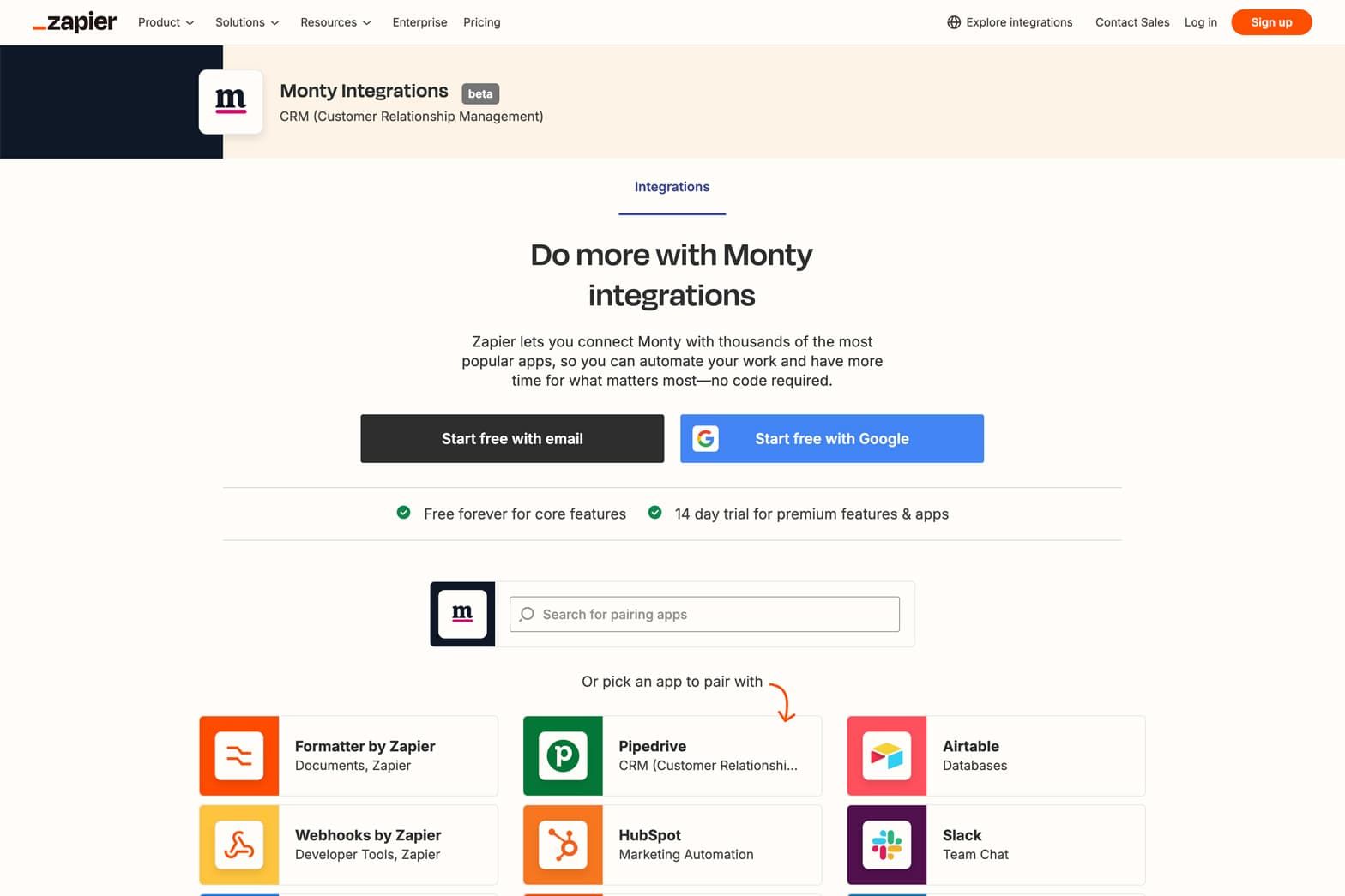
We are thrilled to announce a significant milestone in our journey at HelloClicks. Our powerful lead management software, Monty, is now officially integrated with Zapier!
This development opens up a world of possibilities for our clients, making Monty more versatile, efficient and easier to integrate with the tools you already know and love.
What Does This Mean for You?
If you’re new to Zapier, let us give you a quick overview. Zapier is an online automation tool that connects your favourite apps and services. You can create workflows, known as “Zaps,” that automate repetitive tasks without any coding or relying on developers to build the integration.
With Monty now available in Zapier’s app directory, you can seamlessly connect Monty with over 5,000 apps, ranging from CRM systems and email marketing tools to project management software and beyond.
Why This Integration Matters
Monty has always been at the forefront of helping businesses streamline their lead generation and management processes.
With this new Zapier integration, we’ve taken that commitment to the next level.
Here’s how this integration will benefit clients:
Enhance Productivity
Save time by automating routine tasks, allowing your team to focus on what matters most – closing deals and building relationships.
Reduce human error by ensuring that data is consistently and accurately transferred between Monty and your other business tools.
Seamless Integration:
Whether you’re using Google Sheets, HubSpot, Slack, or any of the thousands of apps supported by Zapier, integrating Monty into your existing tech stack is now effortless.
Customise your workflows without writing a single line of code. Monty’s Zapier integration empowers you to create exactly the workflows you need to succeed.
How to Get Started
Getting started with Monty’s Zapier integration is quick and easy.
Here’s a simple guide:
Sign Up for Zapier: If you don’t already have a Zapier account, sign up here.
Find Monty in Zapier: Visit the Zapier app directory and search for Monty. You can find our app here.
Create Your First Zap: Once you’ve connected your Monty account, you can start creating Zaps to automate your workflows. Choose a trigger (like a new lead in Monty) and an action (such as sending an email or adding the lead to your dialler).
Customise Your Workflows: Tailor the automation to fit your specific needs, then watch as Monty and your favourite apps work together seamlessly!
What’s Next?
At HelloClicks, we’re committed to continually improving Monty to meet the evolving needs of our users. The Zapier integration is just the beginning. We have more exciting updates in the pipeline and we can’t wait to share them with you.
In the meantime, we encourage you to explore the new integration, automate your workflows and supercharge your lead management process.
We’re confident that this new feature will bring you greater efficiency and success.
Have Questions?
Our team is here to help! If you have any questions or need assistance setting up the Zapier integration with Monty, don’t hesitate to reach out to your account manager.